
Create a Wallet
Choose a trusted device and decide how recovery material will be backed up before creating an account.
Learn the basics →Learn how to review multi-chain assets, select the correct network, send and receive, connect to DApps, manage approvals, understand network concepts and build practical wallet security habits.
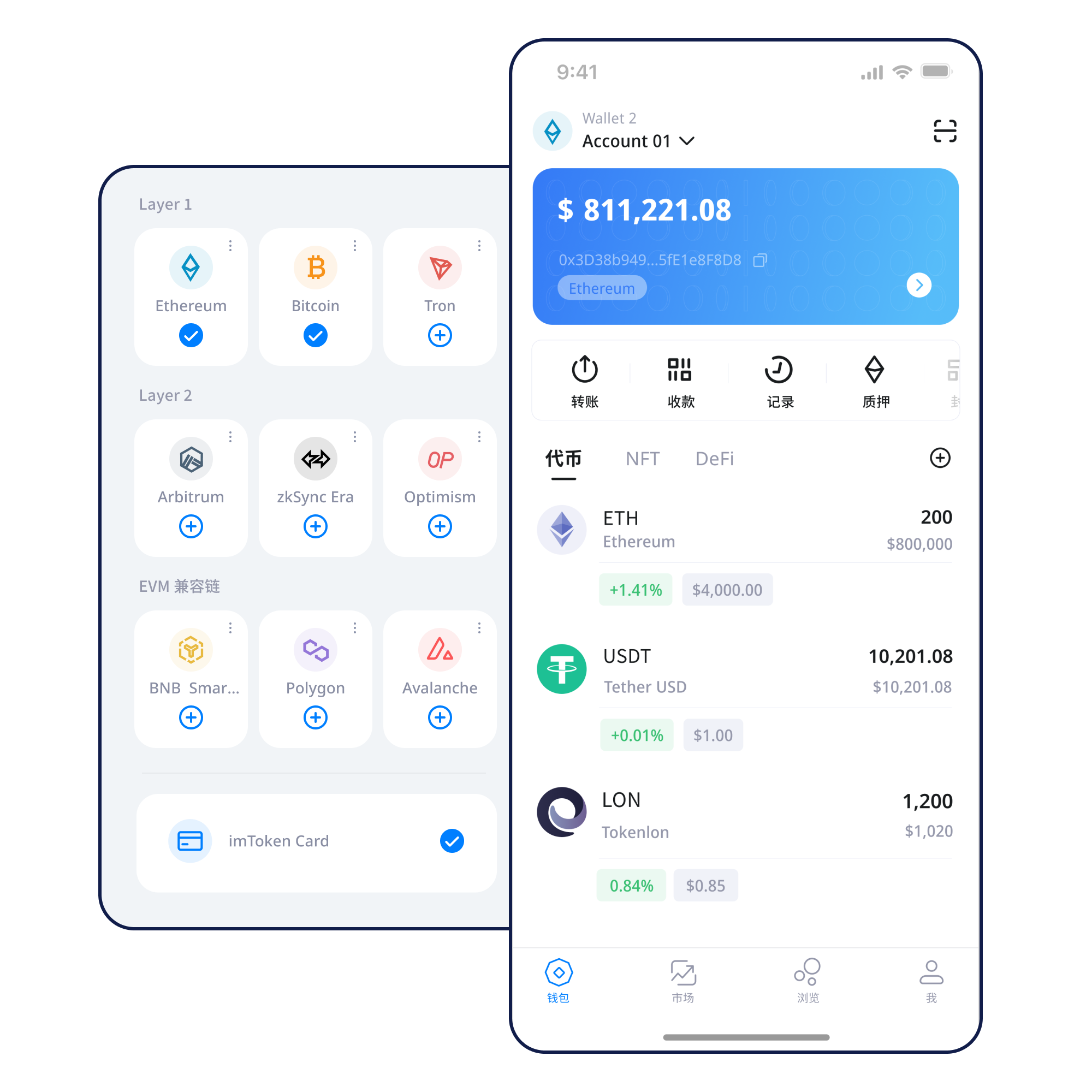
A task-based path makes it easier to notice a wrong network, incorrect recipient or unnecessary permission before you confirm.
Choose a trusted device and decide how recovery material will be backed up before creating an account.
Learn the basics →Keep seed phrases offline and never send recovery secrets to anyone.
Backup principles →Confirm that sender and recipient are using the same intended network before sharing an address.
Receiving checks →Verify recipient, network, amount and gas, then keep the transaction hash.
Sending workflow →Connection, signatures and approvals are separate actions that deserve separate review.
Connection guide →Assets, networks, transactions, Web3 and security are connected, but each creates a different decision point.
Confirm the network, address and on-chain status before treating a displayed balance as available on another network.
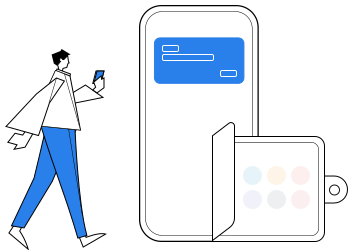
For receiving, match the network and address. For sending, review amount, gas and transaction hash. Confirmation speed depends on the network.
See the full workflow →Review networks, assets and transaction history on mobile, and reread every request before signing.
Browser connections support DApp access and account requests. A connection is not a trust decision, and an approval should never be automatic.
Explore web usage →Keep seed phrases and private keys under your control, prefer offline backups and review the spender and amount before approving.
Use the tabs to compare concepts. All topics remain readable even when interactive switching is unavailable.
Each network maintains its own balances, gas and transaction state. Confirm where the asset lives before selecting a destination.
Transactions propagate through nodes, enter blocks and accumulate confirmations. Block explorers help you read the public state.
Several EVM networks may share an address format while keeping separate gas assets, token contracts and histories.
Bridging and additional confirmation can be required between Layer 2 and mainnet. A successful source transaction does not always mean immediate destination availability.
Gas reflects network execution cost, while confirmation time depends on network conditions. Use the transaction hash to inspect pending state.
Each step has a verifiable goal so you do not have to rely on “just continue” behavior.
Start from the download page and verify the product identity and source.
Use a trusted device and do not enter recovery secrets into a website form.
Keep the seed phrase offline and never disclose a private key.
Confirm the network name, gas asset and recipient support.
Verify address, network and amount, then keep the transaction hash.
Inspect DApp requests before signing and remove permissions you no longer need.
Web3 & DApps
A wallet connection begins a session. Signatures, approvals and contract transactions remain separate decisions. “Connected” should never mean “approve everything.”
Open the Web3 guide →Connecting a wallet does not mean every signature request should be accepted. Review every signature and approval independently.
Seed phrases and private keys represent wallet control and should remain with the user. Legitimate support should never request them. Before sending, verify address, network and amount; before using a DApp, verify the domain, signature details, spender and permission scope.
Public computers, public Wi‑Fi, remote-control tools and clipboard replacement can increase exposure. Keep devices updated, be cautious with untrusted software and consider revoking approvals you no longer use.
Open Security →Start with addresses, seed phrases, private keys, networks and gas, then connect those concepts to transaction hashes, DApps and approvals. This sequence helps you identify errors such as choosing the wrong network or granting more permission than an action requires.
Read the guide →Blocks, confirmation depth and explorer lookup.
Addresses, gas, tokens and approvals.
Mainnet, bridges and destination confirmation.
Connection is not approval; scope still matters.
Keys, devices, signatures and transaction checks.
Understand validator duties, reward sources, exit paths and risks before deciding whether deeper participation is appropriate.
Ethereum PoS uses validators to participate in consensus. Rewards vary with network conditions and validator performance, while exits and withdrawals may involve waiting.
Learn the basics →Validators can face protocol penalties. Smart-contract risk, third-party service risk and digital-asset price volatility also matter. Staking does not guarantee returns.
Understand validators →Notices use category labels without inventing dates, partnerships, funding claims or market rankings.
The full FAQ covers 16 topics across wallets, networks, Web3, security and validators.
Assets are recorded on the relevant blockchain. The wallet manages accounts and signing authority.
No. Seed phrases and private keys should remain under your custody.
Gas is the network fee used to submit or execute a blockchain transaction.
No. Connection, signatures and token approvals are separate actions.
A Layer 2 processes some activity outside the base chain and uses a defined settlement or data-publication mechanism.
No. Rewards can change and there may be penalties, waiting periods and market risk.
Every download action leads to the local download page. Before any on-chain action, understand backups, networks, transactions and approval safety.